How To Register Menus and use in your custom theme In WordPress
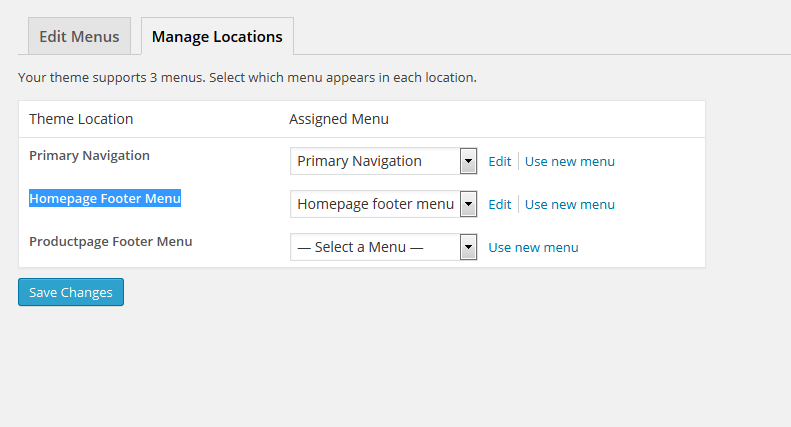
WordPress allows you to create your own custom menus from pages or category items. Using your theme settings you can define where certain menus can appear. For example you can create a menu for all your categories and display this at the top of your page. To create a menu in WordPress go to the menu item in the appearance menu. Pick a name for your menu and start adding items to it. When items are on the menu you can drag and drop the menu items to position them. Registering Your Menu To position your newly created menu on your theme you will first need to register a new menu. Copy the following code and paste it in your theme's functions.php page. you can change your menu name or slug whatever you want to set. function register_menu ( ) { register_nav_menu ( 'homepage-footer-menu' , __ ( 'Homepage Footer Menu' ) ) ; } add_action ( 'after_setup_theme' , 'register_menu' ) ; After paste above code and you refresh your wordp...